

Older phones slow down in small ways that pile up until a familiar app feels heavier than it used to. Deciding between the installed version and the browser version becomes a real question once RAM is tight and storage is close to full.
Where Web Versions Quietly Outperform
The trade-off flips once storage pressure enters the picture. Many older devices sit at 90 percent full, and a 250 MB install with its cache doubling over a month is exactly what tips them into swap thrashing. A browser tab writes far less to disk.
Streaming-heavy experiences show the split most clearly. Video-first services, cloud-based document editors, and game shows such as lightning roulette india can be rendered without a large local install. For anyone using such a service on their own responsibility and within the rules of their state, the web path avoids the storage cost while the network does the heavy lifting.
Storage, Updates, and Background Cost
A native app carries the binary, the cache, the analytics database, and often a WebView copy of the same content. On a 32 GB device, that adds up quickly. Web versions carry roughly the size of a service worker plus cached responses, usually under 20 MB per site.
Battery and Background Behaviour
Native apps schedule background jobs, sync tasks, and wake locks that keep the CPU busy when the screen is off. A pinned browser tab does almost none of that. On a battery that has already lost 30 percent of its original capacity, the difference across a full day is noticeable.
Where Native Apps Still Win on Ageing Hardware
Native builds ship compiled code and cached assets tuned to the operating system. On a four-year-old mid-range Android or an older iPhone, that translation layer matters more than benchmark scores suggest.
Cold Start and Memory Footprint
A native app can preload fonts, icons, and UI shells at install time, so the first screen appears while the network is still waking up. A web version has to fetch, parse, and paint every visit, which is where a Snapdragon 660 or an A10 chip visibly stalls. If the phone has 3 GB of RAM, the native path usually keeps more of the interface in memory between task switches.
Access to Device Features
Camera, biometrics, background sync, and push notifications reach the hardware more directly through native APIs. Browsers on older Android versions often lag behind on newer web equivalents, so features like offline mode or hardware-accelerated video decoding can misbehave in the browser while working fine in the installed build.
How the Two Paths Actually Compare
The following table maps the practical differences on a typical three-to-five-year-old Indian phone. Numbers are illustrative ranges based on common mid-range hardware, not vendor claims.
| Aspect | Native App | Web Version |
| Cold start on 3 GB RAM | Faster after first launch | Slower, network dependent |
| Storage footprint | 80 to 400 MB with cache | Usually under 20 MB |
| Background battery use | Higher, scheduled tasks | Minimal when tab is closed |
| Hardware features | Full API access | Depends on browser version |
| Update path | Play Store or App Store | Instant via reload |
Read the table as a starting point, not a verdict. A photo editor that leans on the GPU almost always belongs native; a reader, a form filler, or a video viewer often runs cooler in the browser.
Picking the Right Path for a Tired Phone
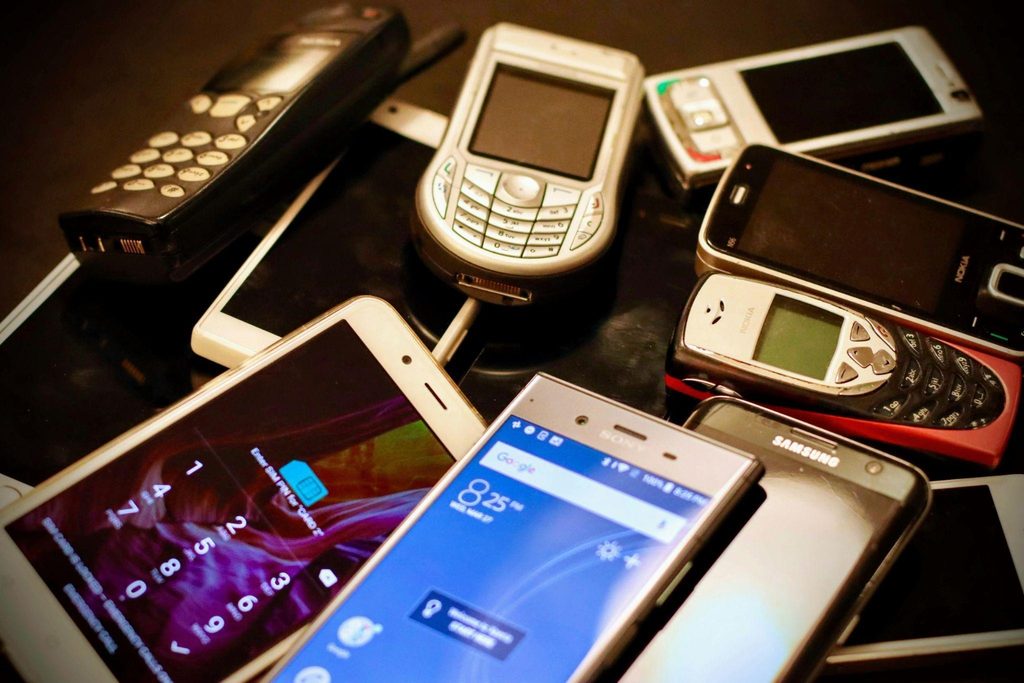
Rather than defaulting to one side, pick per app and per use case. A short checklist helps when storage is already the bottleneck:
- Uses camera, offline mode, or biometrics daily, keep it native.
- Opens once a week for a quick task, use the browser.
- Streams video or audio most of the session, the web version is usually lighter.
- Sends frequent push notifications you rely on, native still wins.
- Already installed but rarely opened, uninstall and bookmark the site instead.
The point is to spend the limited RAM and storage on the two or three apps that genuinely benefit from being native, and to let the browser carry the rest. A device from 2020 handled that way often feels a full generation younger than one crowded with installs that duplicate what a tab could do just as well.
