

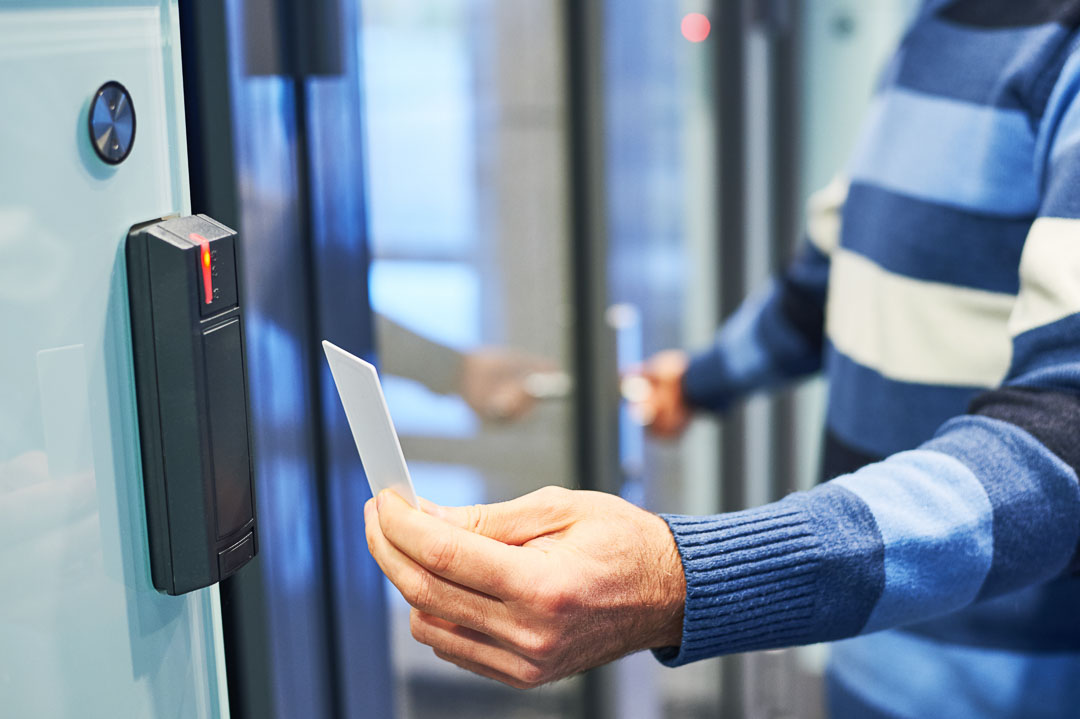
Security cameras record what happens after the fact — access control decides who’s allowed in before anything happens at all. For small businesses, adding an access control system is often the single most effective upgrade for preventing unauthorized entry, protecting sensitive areas, and keeping a clear record of who came and went, and when.
What Is Access Control?
Access control refers to the systems and practices used to regulate who can enter a physical space. Instead of a traditional lock and key — which is easy to lose, copy, or forget to collect from a former employee — access control uses credentials like key fobs, PIN codes, mobile credentials, QR codes, or biometric data (fingerprint or facial recognition) to grant or deny entry.
Why Small Businesses Need It
1. Eliminate Key Management Headaches Lost keys mean re-keying locks. With access control, you simply deactivate a lost fob or revoke a mobile credential — no locksmith required.
2. Restrict Sensitive Areas Not every employee needs access to every room. Server closets, cash storage, inventory rooms, or file storage can be restricted to specific staff.
3. Create an Access Log Every entry and exit is time-stamped and recorded, giving you a clear audit trail — useful for both security investigations and general accountability.
4. Support Compliance Businesses handling sensitive data (healthcare, finance, legal) often need documented access restrictions to meet regulations like HIPAA or PCI DSS. Access control systems make that documentation straightforward.
5. Reduce Internal Theft and Disputes Knowing exactly who accessed a space and when reduces opportunities for internal theft and helps resolve disputes quickly and fairly.
Common Access Methods
- Key fobs / cards — simple, widely used, easy to issue and revoke
- PIN codes — no physical credential needed, but codes can be shared
- Mobile credentials — access via smartphone app, convenient and easy to manage remotely
- Biometric (fingerprint/facial) — highest security, eliminates credential sharing entirely
- QR codes — useful for temporary or visitor access
What to Look for in a System
- Scalability — can the system grow with additional doors or locations as your business expands?
- Remote management — cloud-based dashboards let you grant, revoke, or monitor access from anywhere
- Integration — does it work alongside your existing security cameras and alarm system for a unified security setup?
- Multiple unlock methods — flexibility (facial, mobile, NFC, QR, PIN, fob) covers different staff preferences and backup options if one method fails
Getting Started
For most small businesses, a good starting point is securing the main entrance and any high-value or sensitive interior spaces first, then expanding coverage as needed. Combined with video surveillance, an Access Control Guide-informed setup gives you both a physical barrier and a visual record — a layered security approach that’s far stronger than either system alone.
