

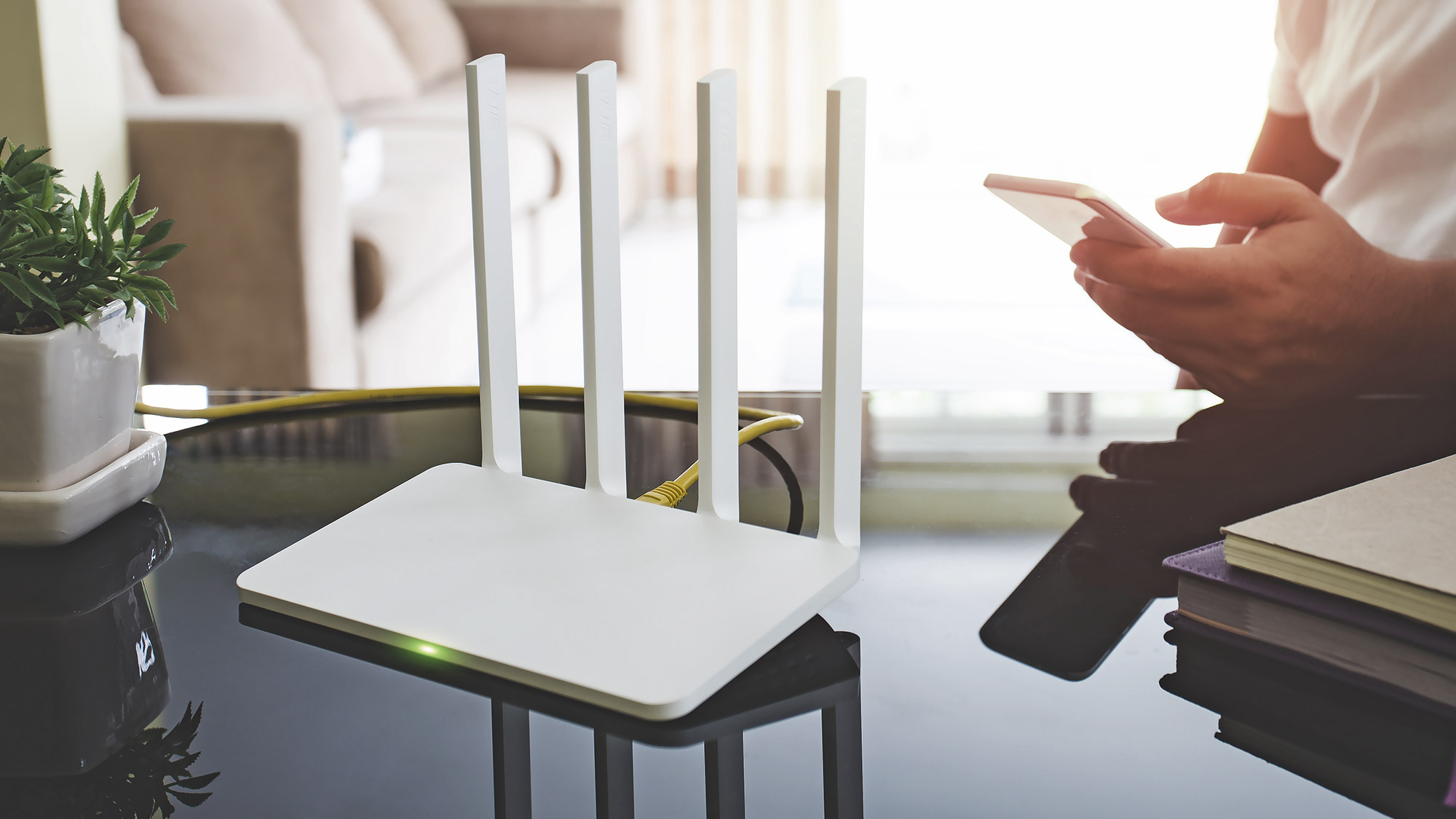
I moved a router eleven inches last year and gained forty megabits per second. That’s it. No new hardware, no technician visit, no upgrade. Just a small change of position. Most people blame their internet provider for slow Wi-Fi, then spend months frustrated while the real problem sits on the floor behind a TV cabinet.
Good news: almost every one of these problems is fixable in an afternoon, and you don’t need to understand radio engineering to fix them. Below are the setup mistakes I see most often in homes and small offices, plus a short checklist you can run through tonight.
Your router is in the worst possible spot
Wi-Fi is radio, and radio struggles with walls. Every solid surface between your router and your laptop eats signal strength, and the damage compounds with distance. Placing the router in a corner, a cupboard, or beside a microwave is like trying to shout through a mattress.
Put it high, put it central, and put it in the open. A bookshelf at chest height beats a TV stand every time. If your home has two floors, the router should sit on the floor where you actually use the internet most, not in the basement because that’s where the cable comes in.
One more thing people miss: metal matters more than distance. A filing cabinet, a mirror with a metallic backing, or a fridge between you and the router can wreck your signal from ten feet away. The IEEE publishes the underlying wireless standards that govern how these signals behave, and the short version is that physical obstructions always win. Nobody defeats physics with a firmware update.
You’re probably on the wrong band
Modern routers broadcast on two or three bands, and they all behave differently.
- 2.4 GHz: travels farther, penetrates walls better, but gets crowded fast.
- 5 GHz: much faster, shorter range, struggles through masonry.
- 6 GHz: fastest of the three, shortest range, only on newer hardware.
If your router uses one combined network name, your laptop decides which band to join, and it often picks badly. It clings to 2.4 GHz long after you’ve walked into the same room as the router. Splitting the bands into two named networks, say “Home” and “Home-5G”, gives you control back. Join the 5 GHz network when you’re close to the router, and switch to 2.4 GHz when you’re at the far end of the house or out on the balcony.
I’d take a split network over a “smart” auto-switching one any day. Yes, it’s two passwords to remember. It’s also the difference between a video call that holds and one that doesn’t.
Why does my Wi-Fi slow down at night?
Because your neighbors are online too. Wi-Fi channels are shared airspace, and in a dense apartment building you’re fighting dozens of other routers for the same slice of spectrum. The 2.4 GHz band is the worst offender, with only a handful of non-overlapping channels available in most countries.
The fix is usually simple. Open your router’s admin page, find the wireless channel setting, and switch it from Auto to a specific channel. On 2.4 GHz, stick to 1, 6, or 11. On 5 GHz, pick a channel nobody nearby is using. You can scan the surrounding networks with a free phone app to see what’s taken.
Do this on a Sunday evening, when congestion peaks. Testing at 11 a.m. on a Tuesday tells you almost nothing about what your connection does when everyone’s streaming.
Old hardware, hidden bottlenecks
Your internet plan might be fast while your equipment quietly holds you back. Three things cause most of it:
- An outdated router. If yours is more than five or six years old, it likely lacks the newer standards your devices already support.
- A rented modem from years ago. These often cap throughput well below what you’re paying for.
- Cheap or damaged cables. A frayed Ethernet cable between the wall and the router can silently choke your connection.
The Internet Engineering Task Force maintains the networking standards that every router and modem is built to follow, which is why mismatched or neglected equipment causes such confusing slowdowns. The gear technically works. It just works slowly.
A quick check on what you’re actually getting
Before you buy anything, measure. Run a speed test over a wired connection first, then over Wi-Fi right next to the router, then from the room where you actually sit. Those three numbers tell a story.
If wired is fast but Wi-Fi next to the router is slow, the problem is your router or its settings. If Wi-Fi next to the router is fast but the far room is slow, it’s placement or band choice. If all three are slow, the issue sits with your plan or your provider, not your setup.
Run the test more than once, too, and at different hours. Speedtest by Ookla is the tool most people reach for, and it’s fine for a rough read, but a single measurement at one moment is close to meaningless. I test three times across a day and trust the pattern, not any individual result.
The one change that fixes most slow connections
If you only do one thing after reading this, move the router. Take it out of the cupboard, lift it off the floor, and put it somewhere central and open. Then split your bands and set a fixed channel. That combination solves the majority of everyday Wi-Fi complaints, and it costs you nothing but twenty minutes.
If your equipment is genuinely old or your area’s congestion is beyond what channel switching can fix, that’s when a plan upgrade earns its money. When you’re comparing options, look at whether a provider bundles the router into the deal rather than charging rent forever, and check that the speeds advertised are symmetrical if you upload a lot for work. You can compare current broadband plans to see how bundled hardware and symmetrical speeds are priced in your area, which makes the comparison far less abstract than a wall of numbers on a sales page.
Your Saturday afternoon checklist
Here’s the whole thing in order. Work down the list and stop when the problem goes away.
- Move the router to a central, elevated, open spot.
- Check for metal, mirrors, and microwaves nearby.
- Split the 2.4 GHz and 5 GHz networks into separate names.
- Join the 5 GHz network on devices that stay close to the router.
- Scan nearby networks and set a fixed channel.
- Restart the router and modem, then wait two full minutes.
- Test wired, close-range Wi-Fi, and far-room Wi-Fi.
- Replace any cable that looks kinked or worn.
- Check the age of your router and modem.
- Only then look at plan upgrades.
Most people jump straight to step ten, spend money, and end up disappointed because the router is still in the cupboard. Do the free steps first. They’re the ones that actually move the needle.
Give yourself one evening. Move the box, split the network, set the channel, and test from where you really sit. Then tell me the before-and-after numbers, because I’d bet on a real difference.
